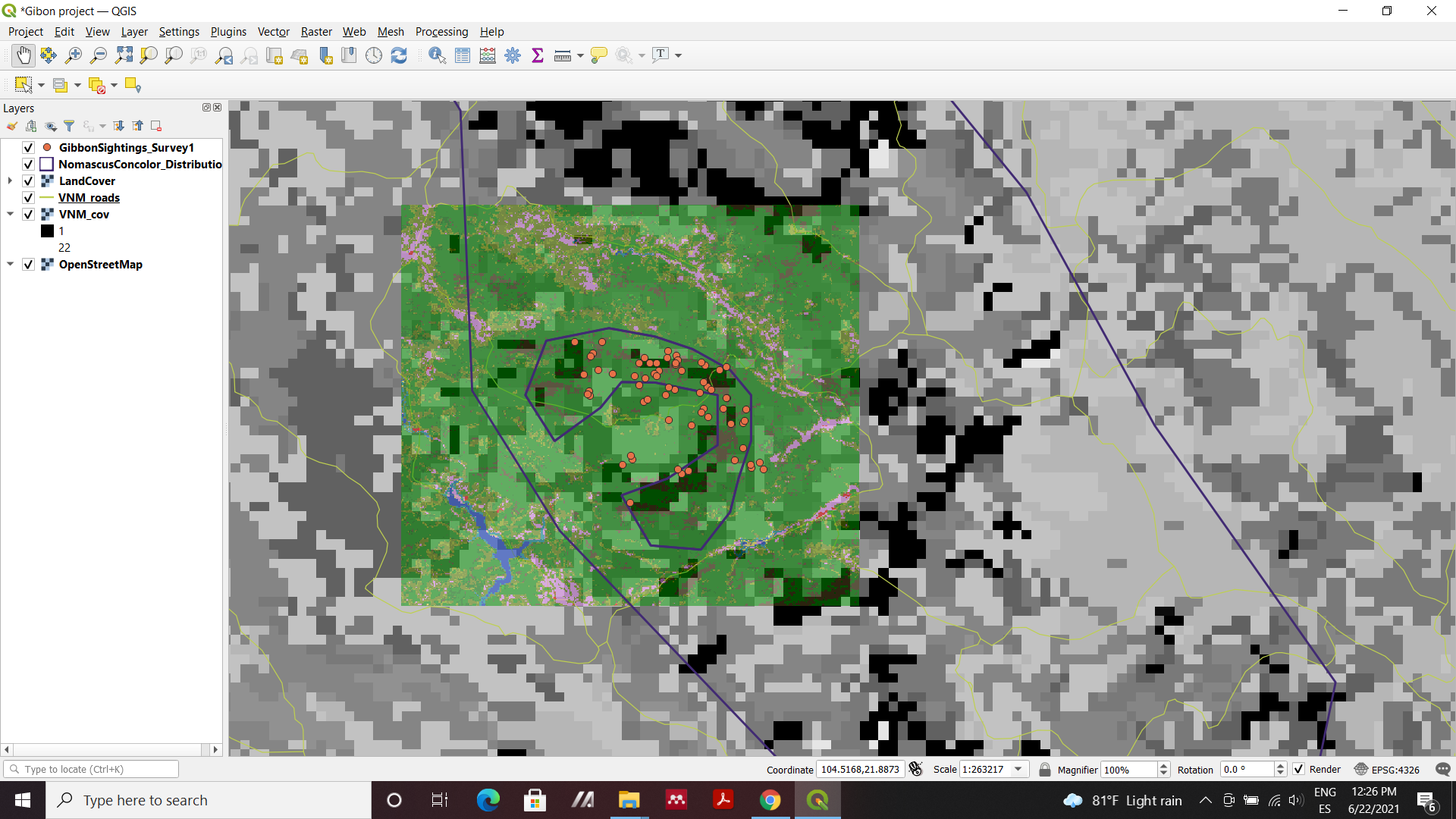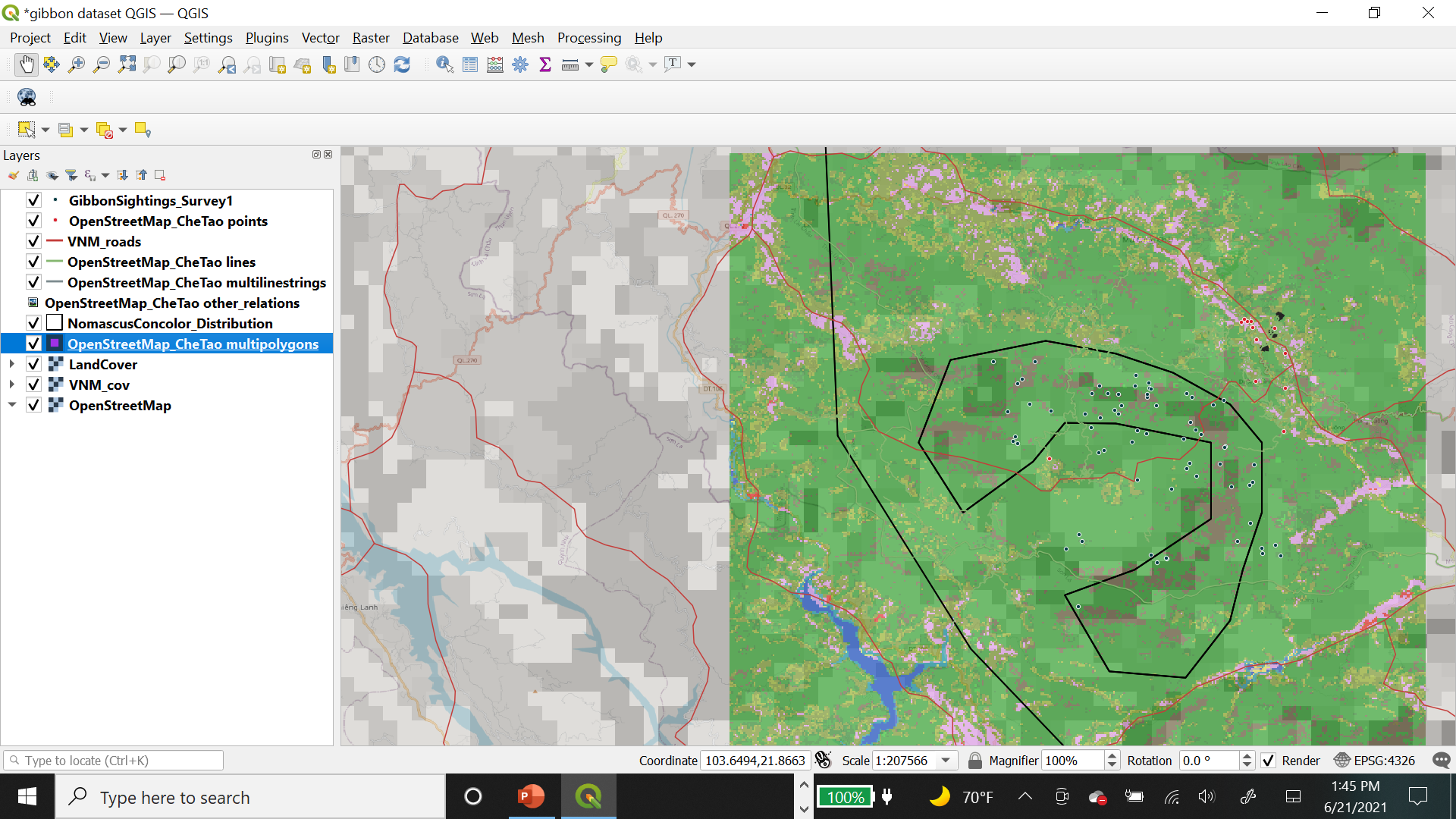
In this module I was able to learn the difference between vector and raster layers. I added all the layers that were available to me, and played around with the symbol shape, color, and fill of each of the vector layers by double clicking on the layer option and pushing apply to whatever changes I made. I was able to change the opacity of some of the vaster layers by doing the same thing. I did not fully understand what each layer was showing me at times, or if I was adding the correct file, but I enjoyed being able to alter the layer order to get different data visualizations.
Hi!
Great work on your map, it looks great. I especially like the colors. Looking at your map made me realize that I had forgotten to add a layer to my map (the WDPA_WDOECM layer), and I was able to fix it. Thanks!
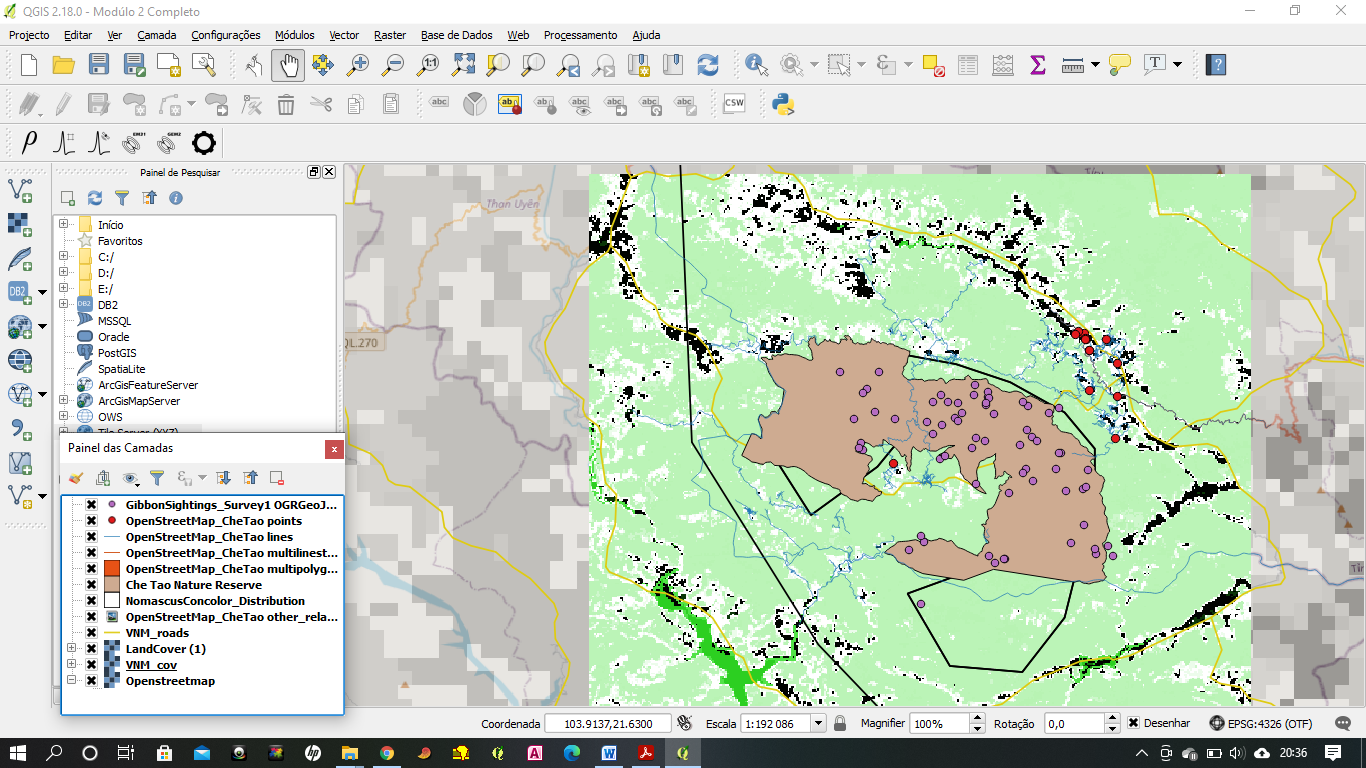
Hi gautam_wildlife, Good work.
1 Like
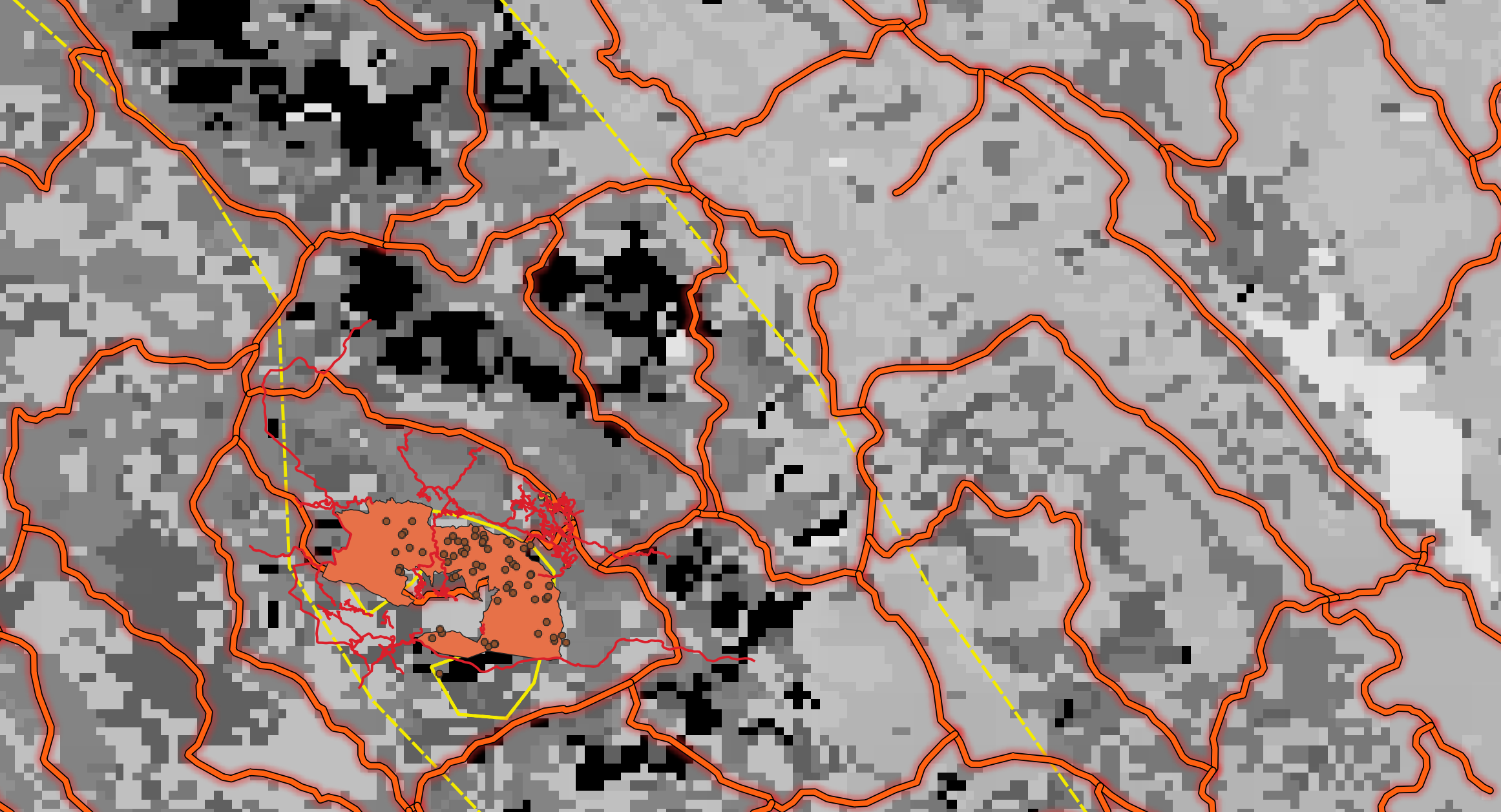
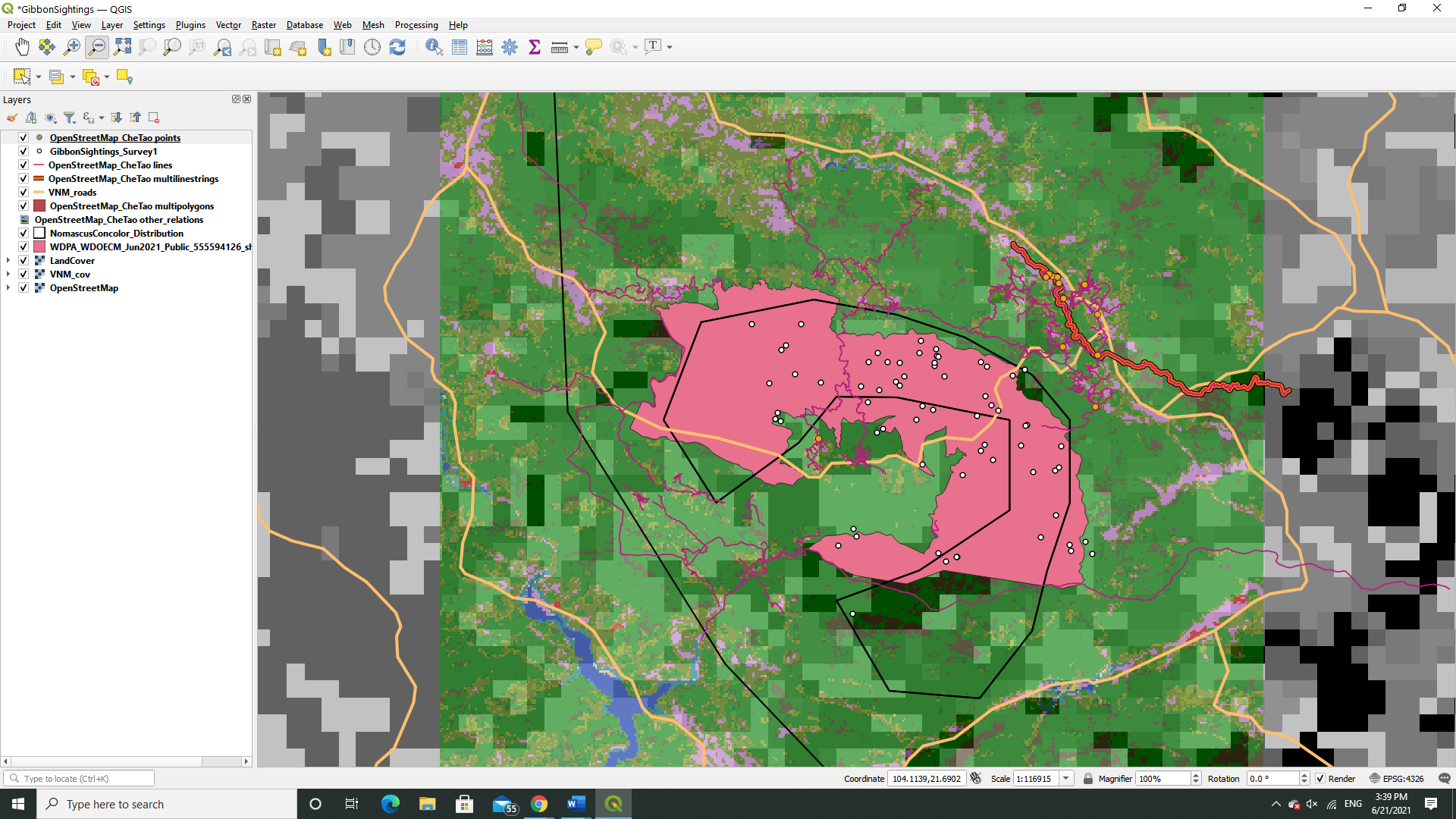
This module helped me understand the difference between a vector and a raster data and how you can determine what type of data model is being used in our own field data. I had to go back to the previous model to remind myself how to creating a vector layer and with patience I was able to figure out how to finish the assignment.
Something that could be improved for this module is to include all the steps when it comes to how to load new datasets. I am very new to GIS and I do not have the background knowledge to understand what is being asked of me when the instructions are vague. For example when the only instructions given was “Che Tao Nature Reserve boundary from Protected Planet,” I was not sure what was being asked for this step. I eventually figured it out by going over the posts from my fellow classmates. Might I suggest that screenshots also be included to help with the assignments like how it was done in the module 1?
It took me a while to try find the right colours, m glad you like them and learnt something from it.
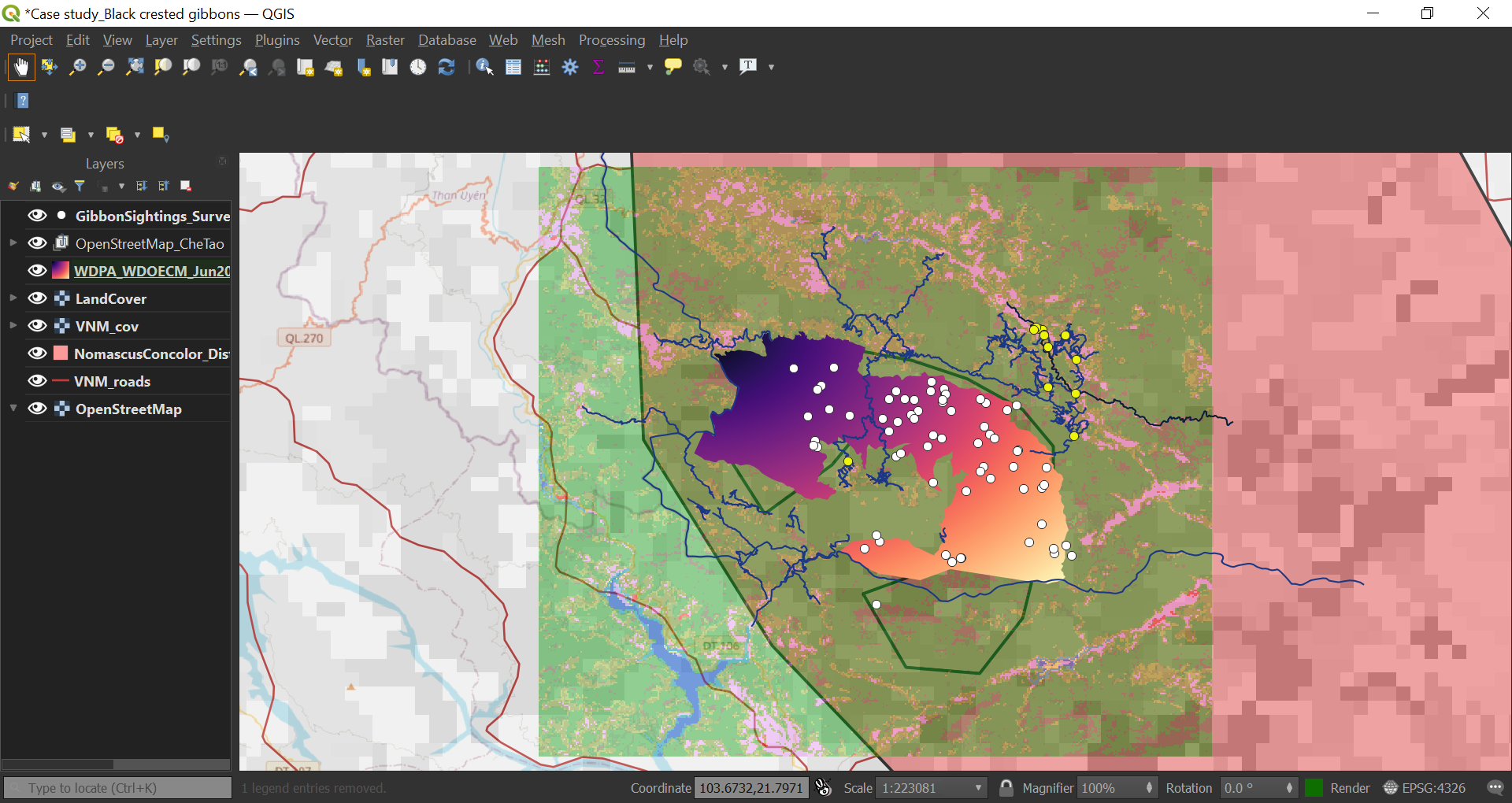
I have finally understood the use and applications of different datasets/layers. Although, initially I had a little difficulty in clearly understanding the raster dataset. Had to read it a few times to finally understand the concept. The Quiz given after dataset explanations were really helpful for self assessment.
Working on the assignment was fun. I worked on each layer one by one and was finally satisfied with this.
Please let me known if I can improve anywhere.
2 Likes
Wow! This looks very neat an well organized.
Hey!
So far this looks good. You can try increasing the transparency of OpenStreetMap_CheTao and landcover layers. You can also play around with colors and width of lines.
For WDPA file, extract the shape file from the zip file inside the downloaded WDPA zip file and use that.
Hi @Sumbede_Anthoine . Can you help me have this panel on my app. I don’t know how I removed it but when I do my work I don’t get to see this on my platform
how did you get file of CheTaoNatureReserveBoundary? I tried to download from Explore the World's Protected Areas but did not find the file
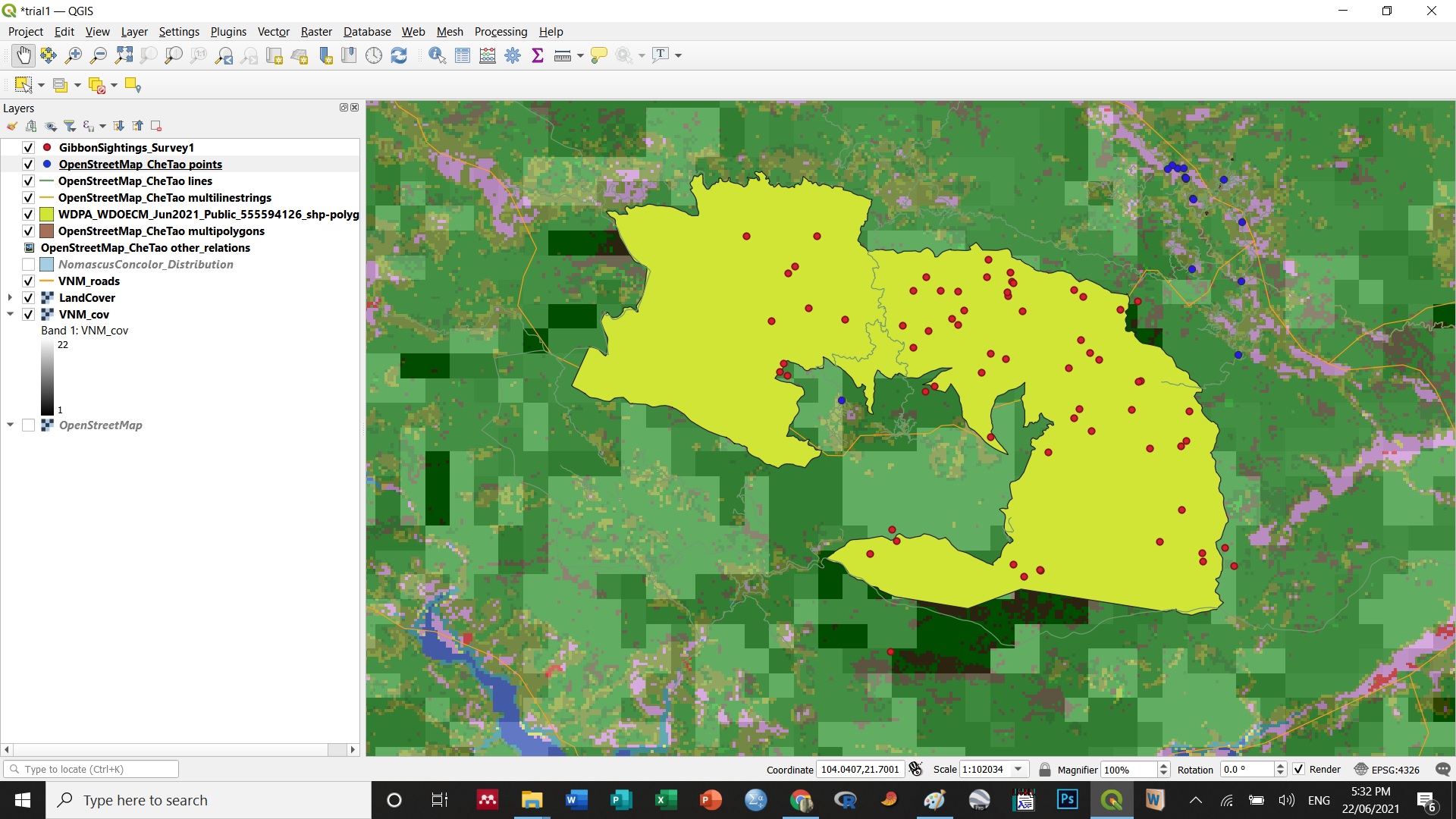
The topic is challenging for me. At least I can distinguish data raster and vector; however, I still need to practice more on arranging the file
Thanks for the input I tried putting the raster layer at the bottom but it sort of dissappears and is no longer visible maybe its to do with the issue of transparency that you mentioned.
Great job! Love the choice of colour
Indeed! You nailed this one
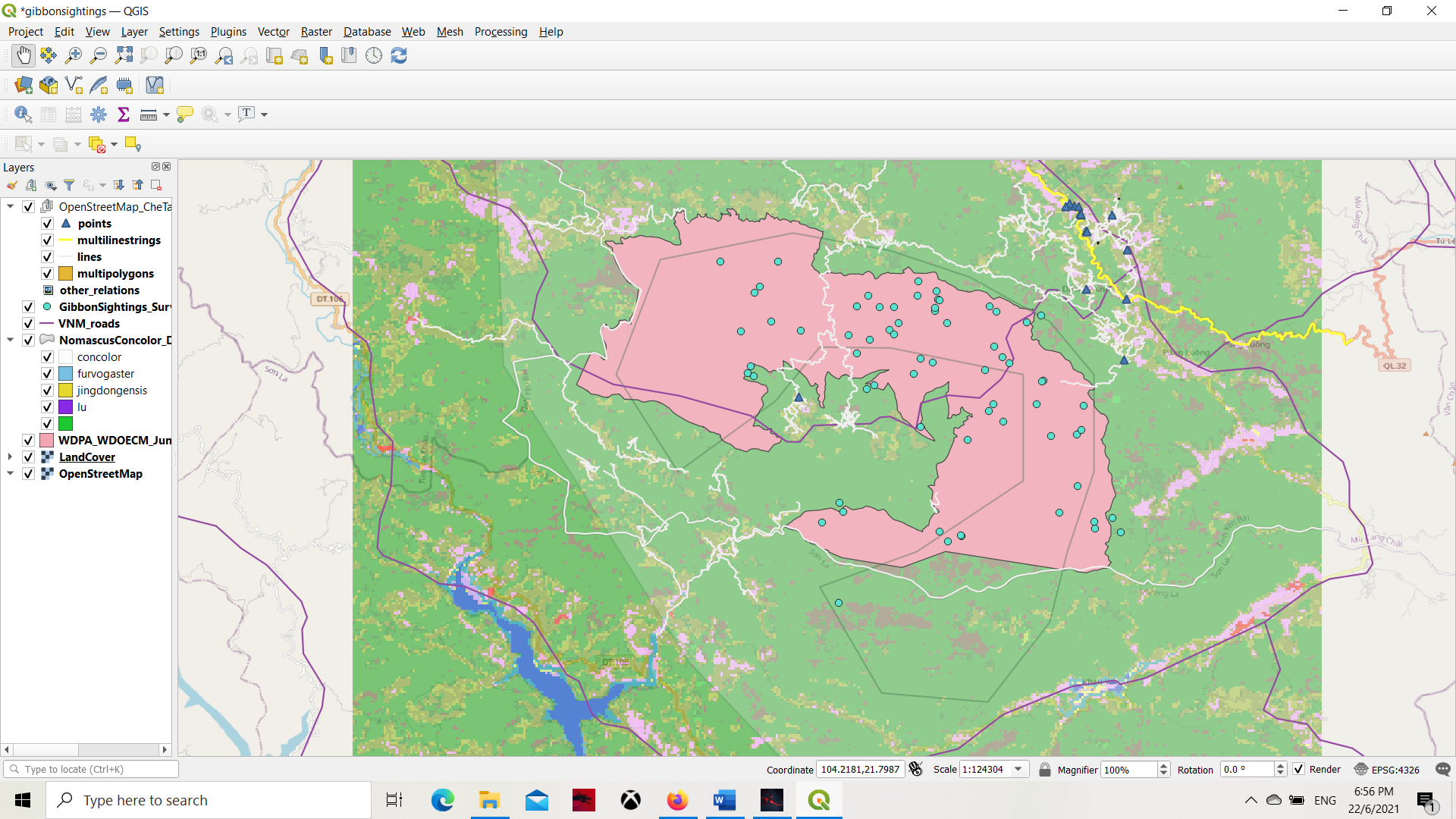
Got it! Played around with the styles~ Couldn’t make it work with the other raster file but great module! I roughly knew how rasters and vectors work but the explanations all made it clearer now. I also learnt a great deal about differentiating the resolution from different context (spatial & temporal). My QGIS software kept crashing, quite frustrating but I made it work!
2 Likes
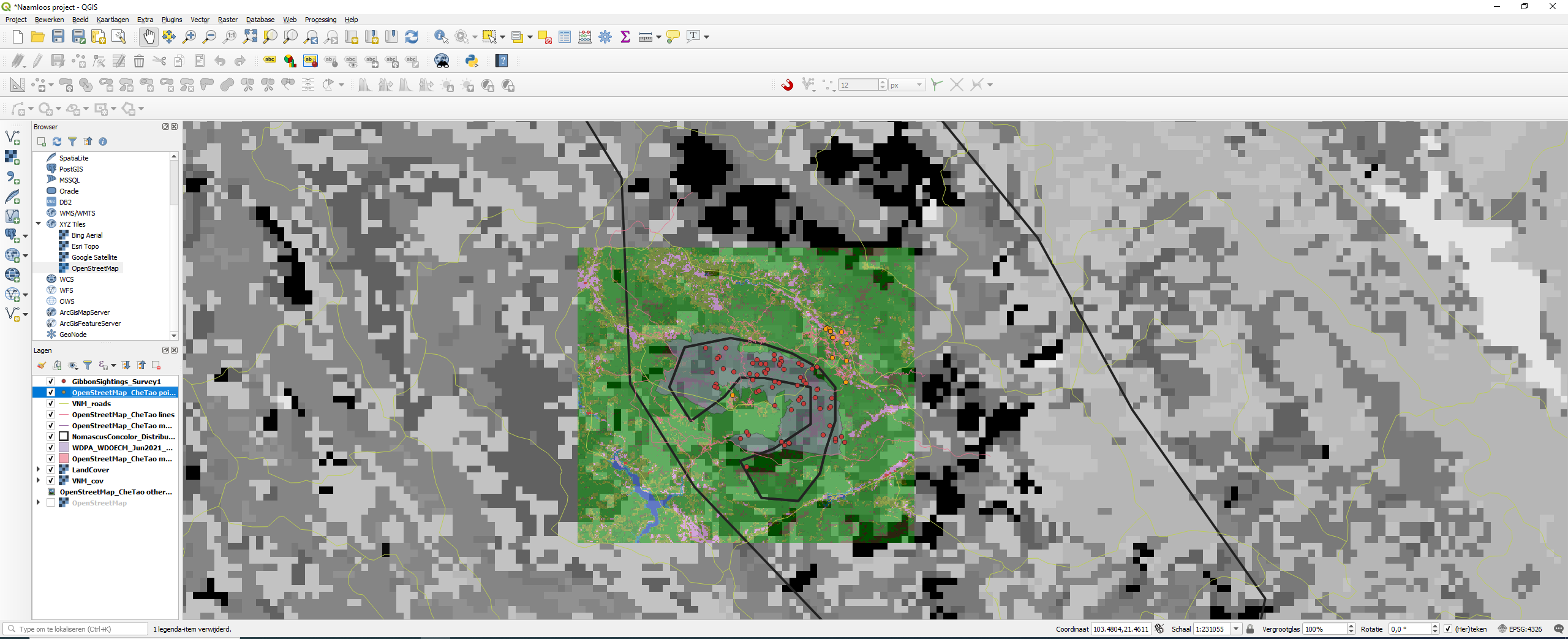
I had some difficulties understanding the excersice and following up on what I needed to add to the QGIS project. When checking the results of others here, I discovered I was missing some layers and have been able to add it with this as a final result.
In one way it gave me more clarity on the new definitions as vector and raster although I noticed I still have some difficulties to understand it too the fullest. I hope to get my hands around it when working with it some more.
Dear Lucy,
Kindly help me find the notes for beginning module 2. I can’t seem to find it like we had for module 1. I mean the steps to plotting the new layers on the map.
Kindest,
Menladi M. Lormie