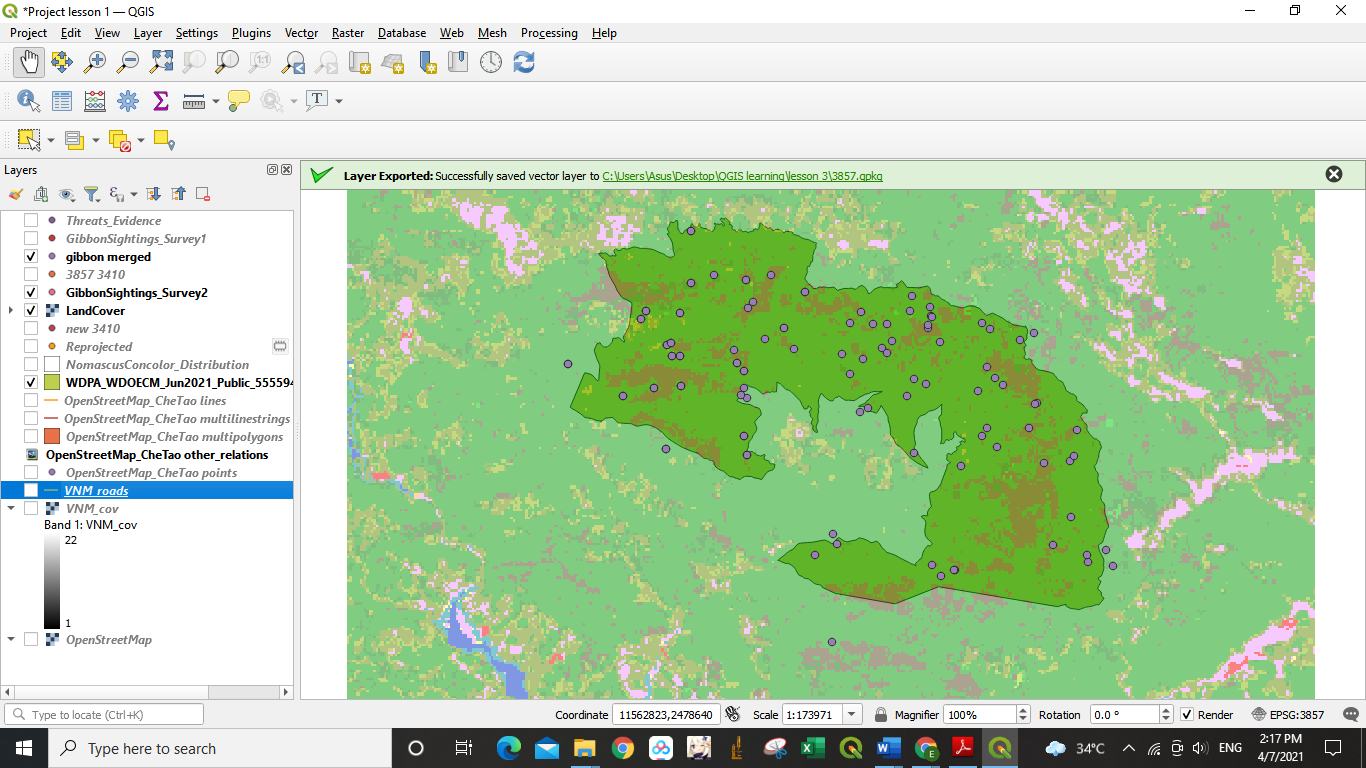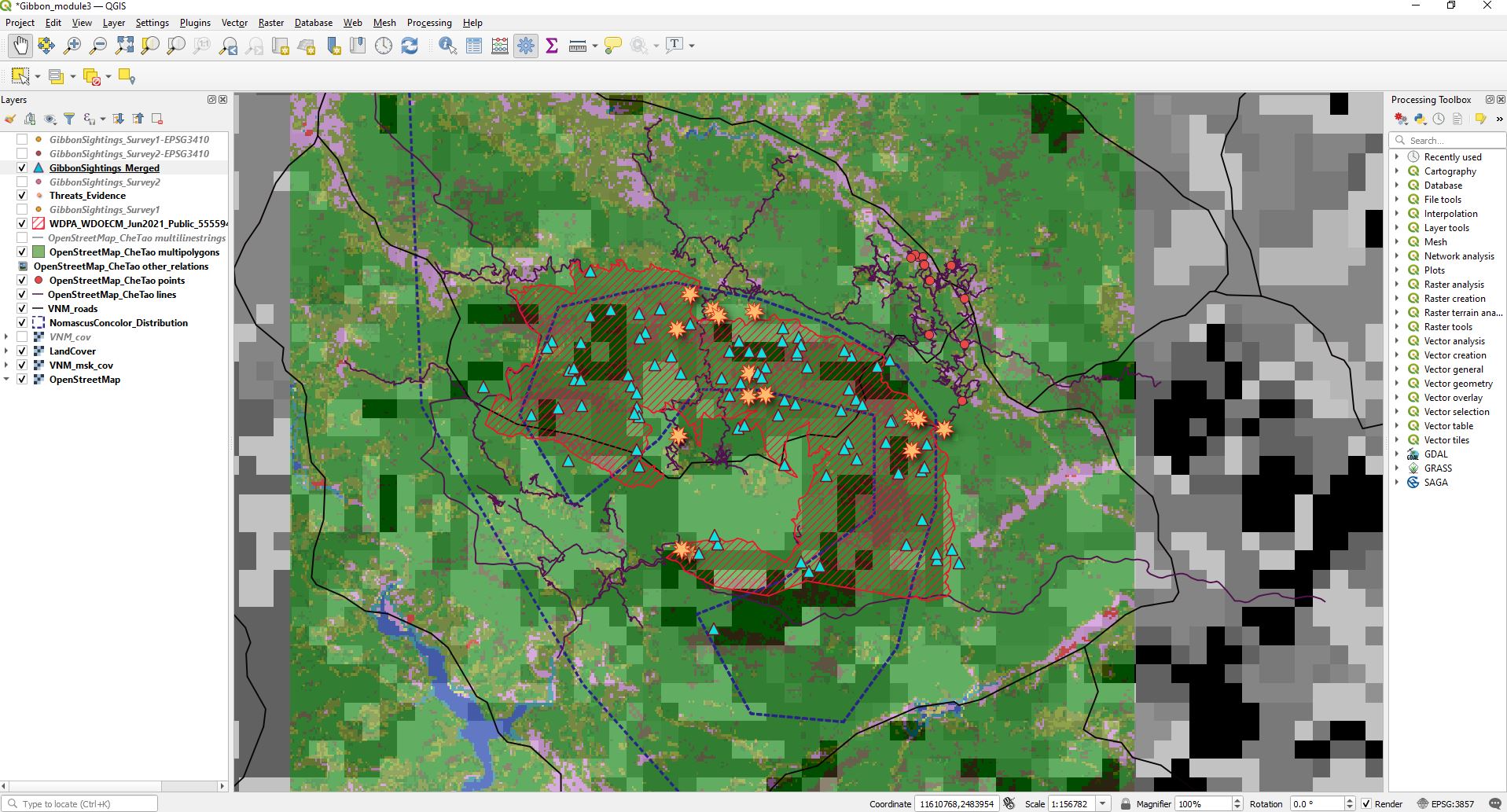
I have learned a lot from this module, especially the difference between CRS and SRS and SRS types. Good to know that we can reproject and merged the different SRS. Thank you so much, Lucy.
Can somebody help me with activating the processing menu on my QGIS. Been struggling for a while.
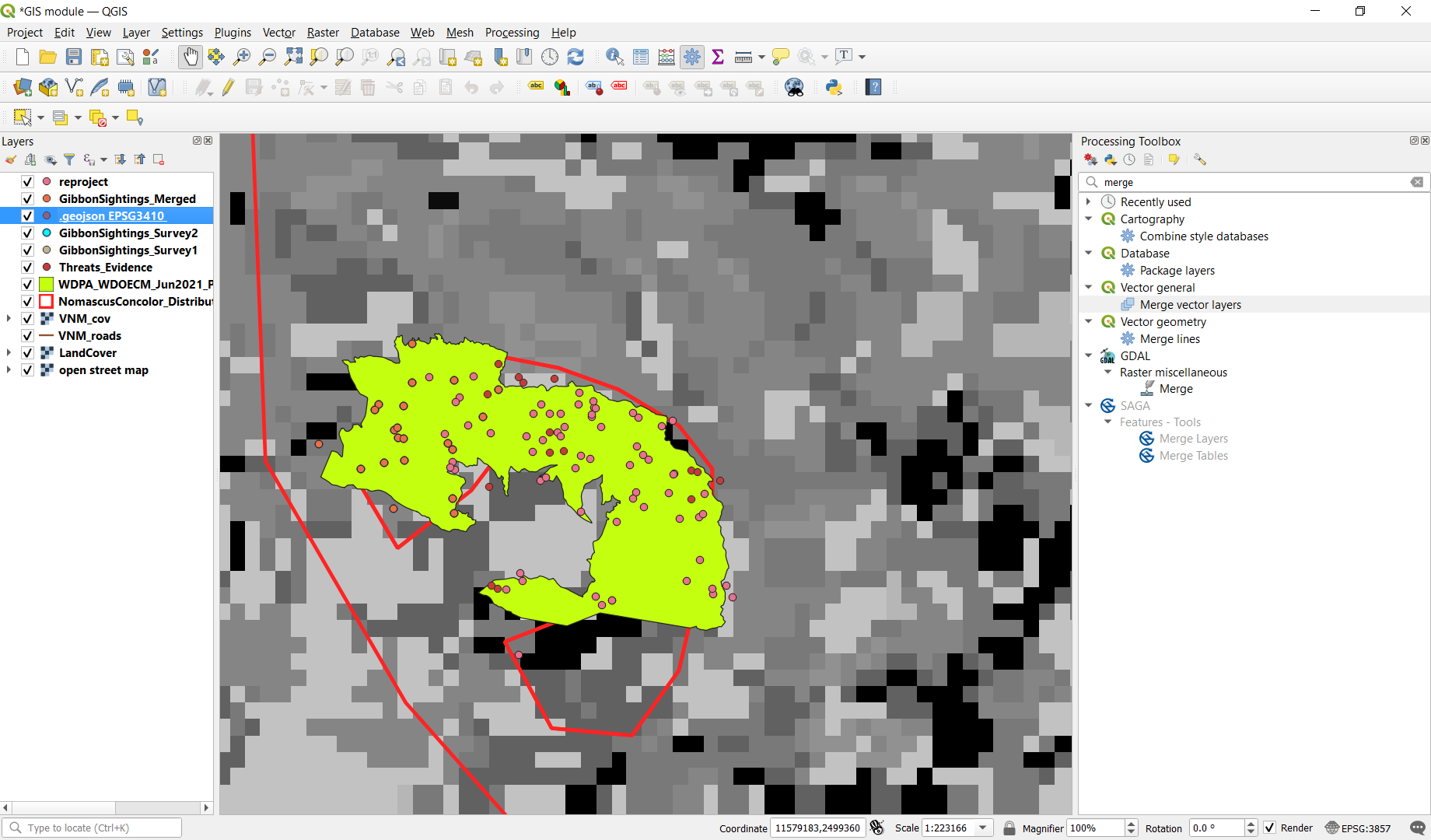
this is much more complicated then the two modules before but nonetheless did learn quite a lot. hopefully i did it correctly hehehe.
nice setup elvia neatly done!
Thanks @tcar82 as I took the screenshot I thought the same thing about the colours so am going to alter for next time 
1 Like
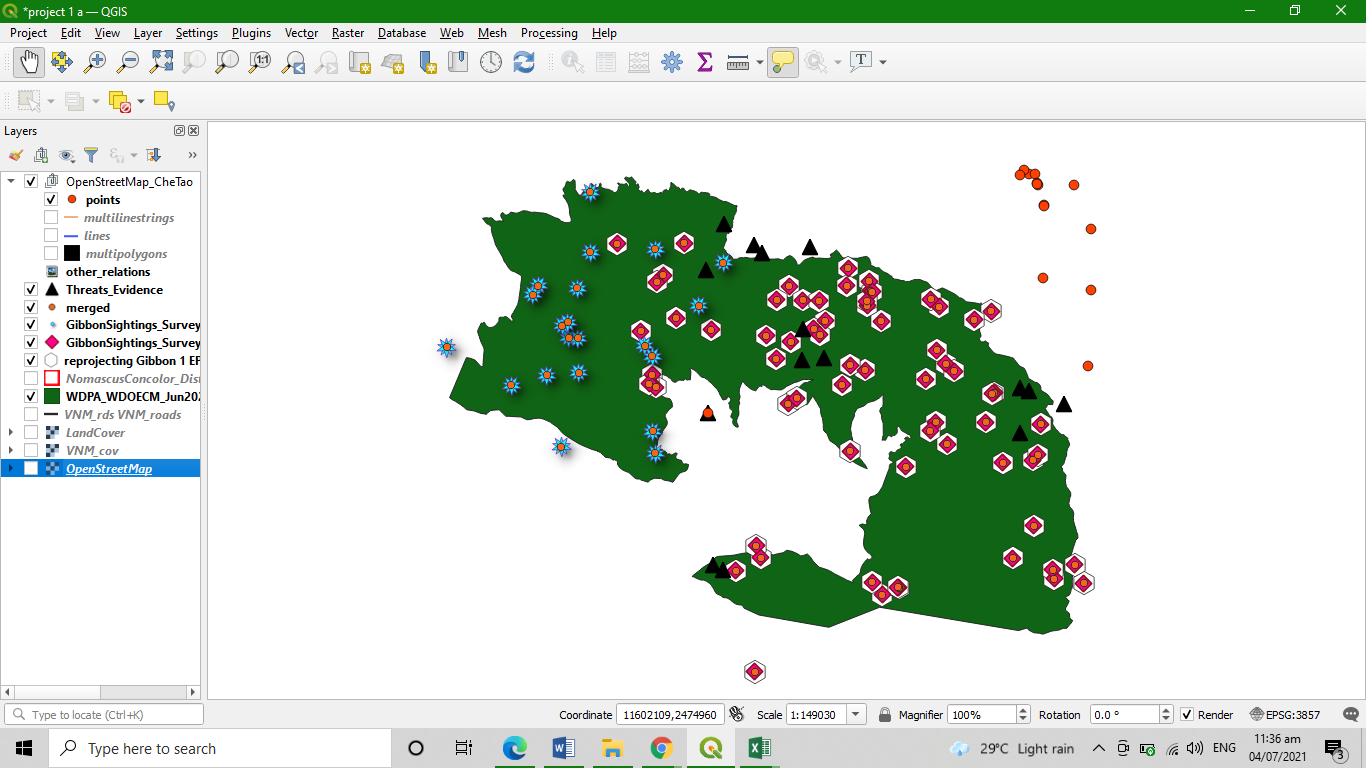
I am a beginner here in QGIS and the topic in this module 3 become difficult for me to understand since I don’t enough basic knowledge of some terminologies. But, because of my patience and made some research about the topics I been able to accomplished the assignment.
This module to help me to refresh and improve my learnings in using longitude-latitude coordinates in mapping. Also it allow me to learn how to change the SRS, choose specific datum suitable for data, and how to reproject and merge the two data set.
Here is my work project, and I am not sure if I made it right. You can give feedback for improvement of my work.
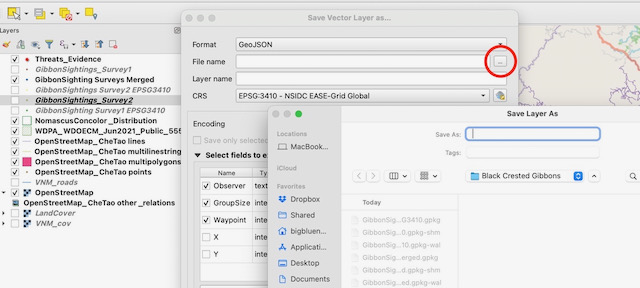
More than likley you are trying to save it to a folder without read/write permissions.
Check what the folder destination is for the layer you are trying to create.
Nice work, i like how you zoomed your map. Everything is clear
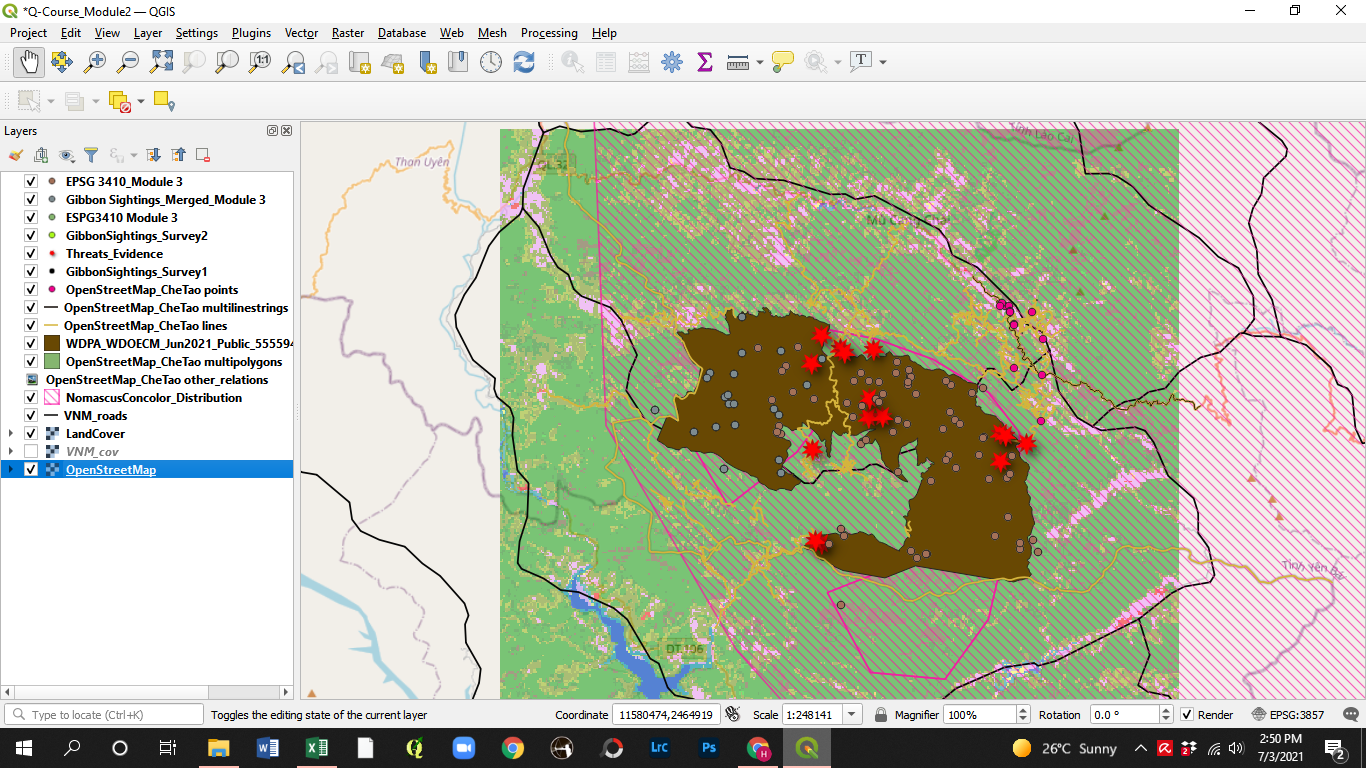
This module was a bit more clear to me than with module 2. It is just with the merging of the layers, when and why do we need to merge layers. There is so many things to learn in this program.
Maybe some reasons to why and when do you need to do things with some layers.
@Heinrich Merging layers is a useful technique when combining information from multiple sources.
You may have had two people do a survey in the same area and give you their results as shape files they have created, but for processing and ease of mapping, combining into a single layer can help make the process more efficient.
It may be GIS data you have comes in “tiles” (eg. data on 1km squares) and your study area covers the join of 4 tiles - rather than have to deal with 4 data sets each time, combining them into a single layer for the area of study just makes the whole process easier.
There are many different processes you can do in QGIS, so just having one file to work on rather than several just makes the work flow much more efficient.
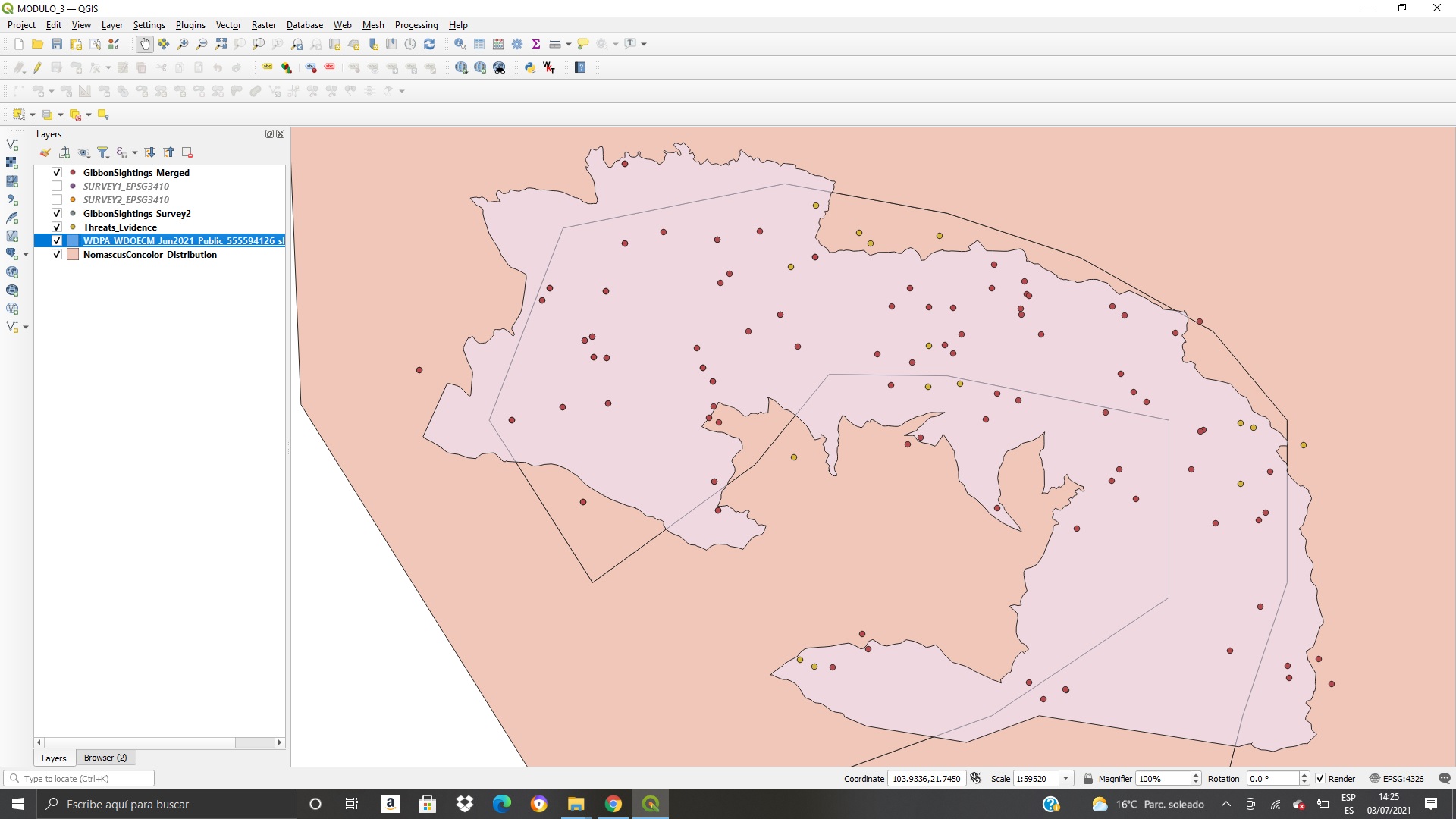
I have really enjoyed the experience this module provided me.
You can better understand the concepts of projection and SRS, and I found it very useful to be able to merge data of two layers.
I am very satisfied with what I have learned, and very grateful
Your map looks great! I like how you laid out the layers and the graphical representations of Threats_Evidence layer!
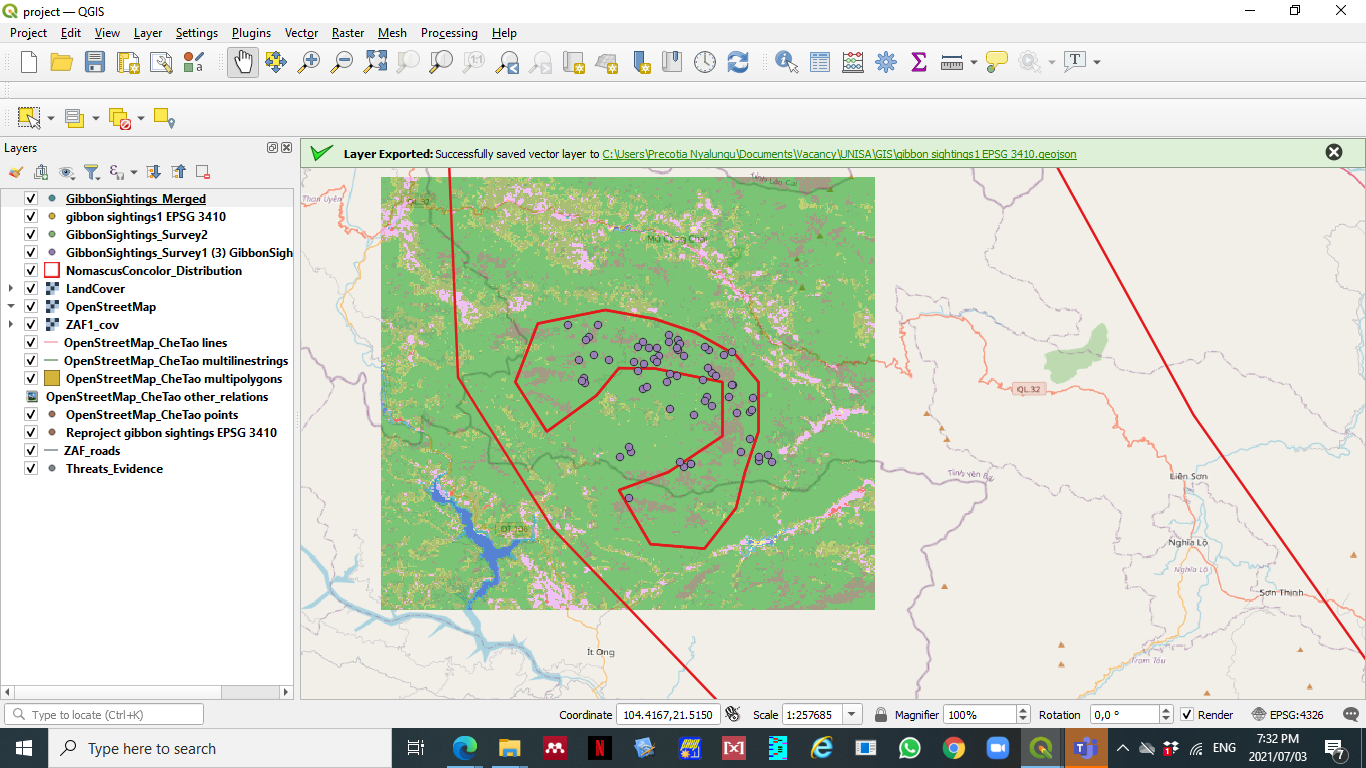
this weeks assignment was a bit tough for me. I will have to go through it again. I looked at other people maps here. most look different, I cant tell if I’m on the right path
Hello everyone!
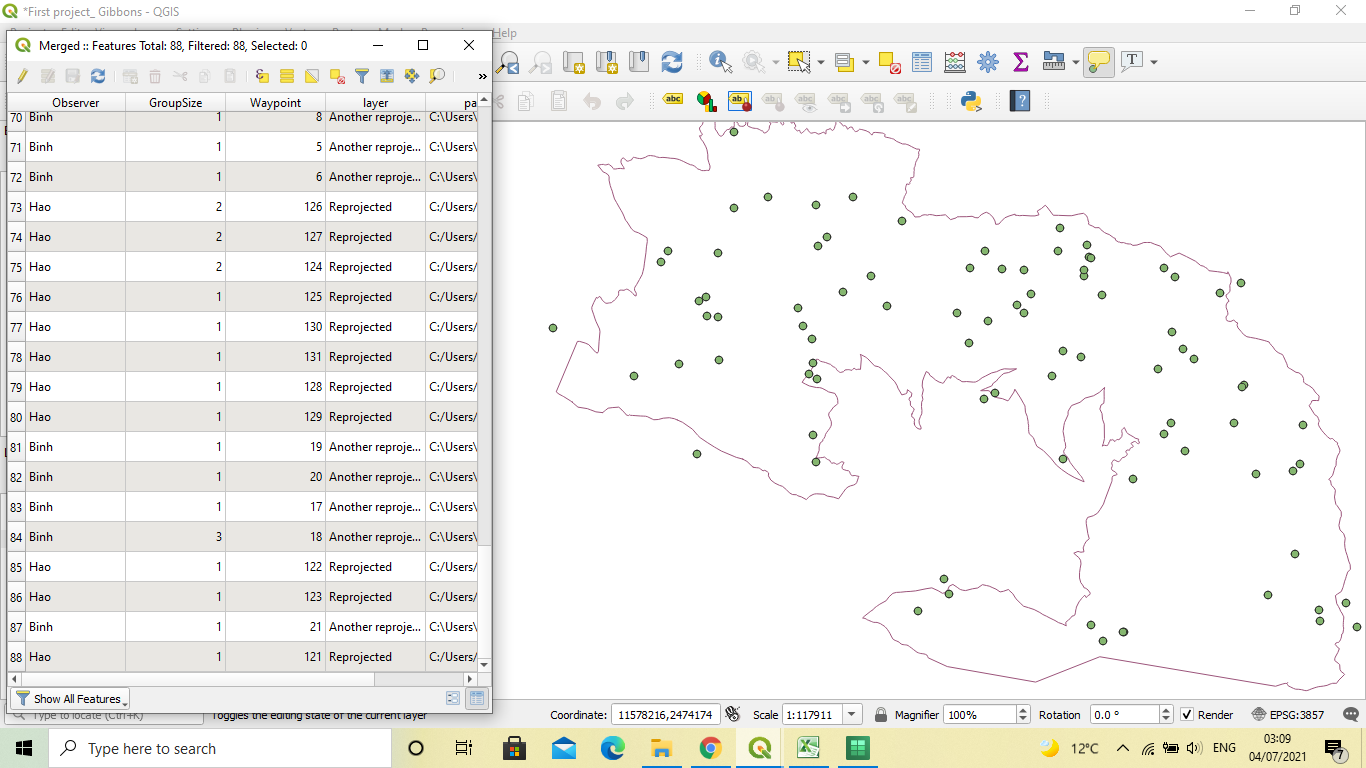
New layer’s attribute table contains 88 features, including the sightings made by Binh.
The module was quite interesting. I got stuck a bit when I had to find my processing menu toolbox, it was not visible and so I had to go to plugins and install it. I’m still a bit confused on choosing the perfect CRS to use for the location you are at, because since I started using QGIS, I’ve only been introduced to WGS84.
Thank you!
Hi!
Well done on completing your Module 3.
Your work looks interesting and correct. I would only suggest for you to hide the other layers that are not required to be shown, to make your work look very neat.
Regards,
Ntokozo
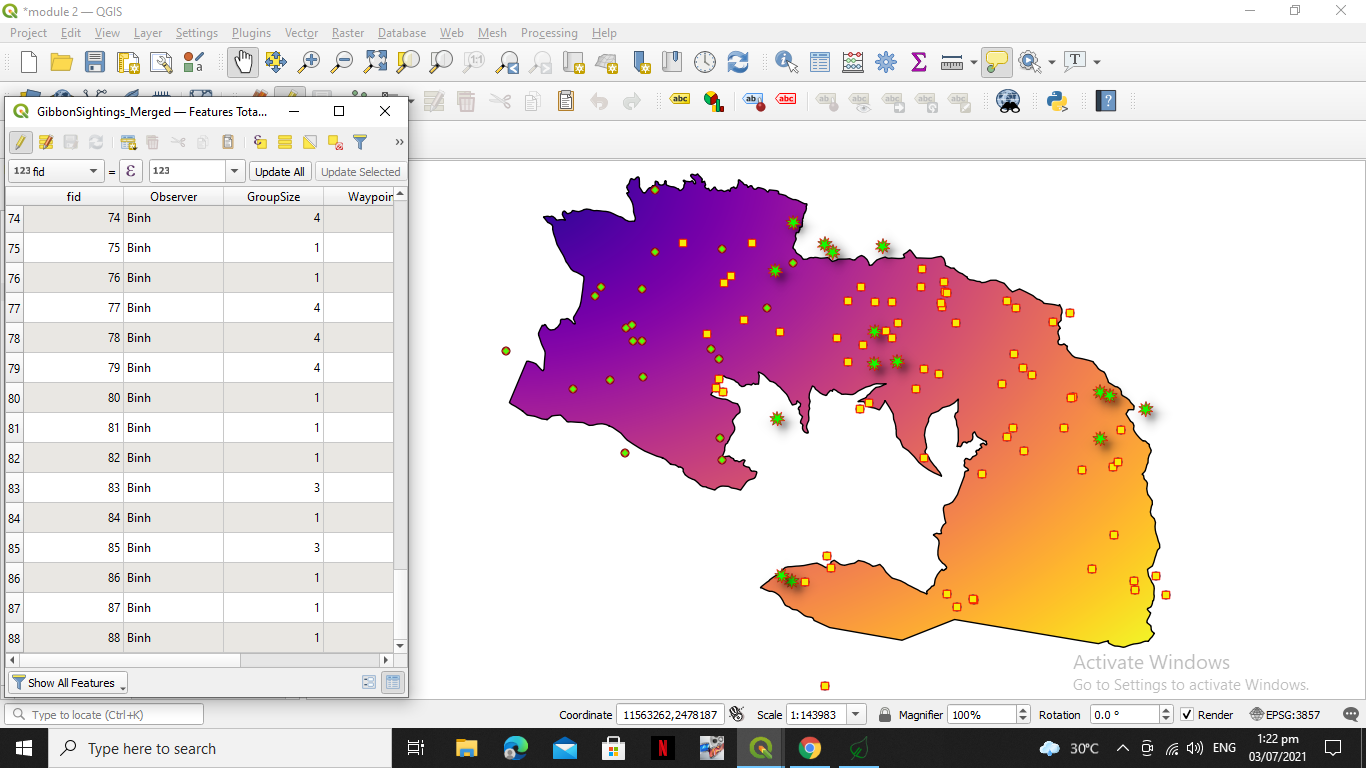
Hello, this is my module 3 assignment.
I can say that my progress is good. I have done it for 1hr, upon reviewing the merged files I noticed that something is missing so I had to redo it and noticed that I forgot to include the survey 2

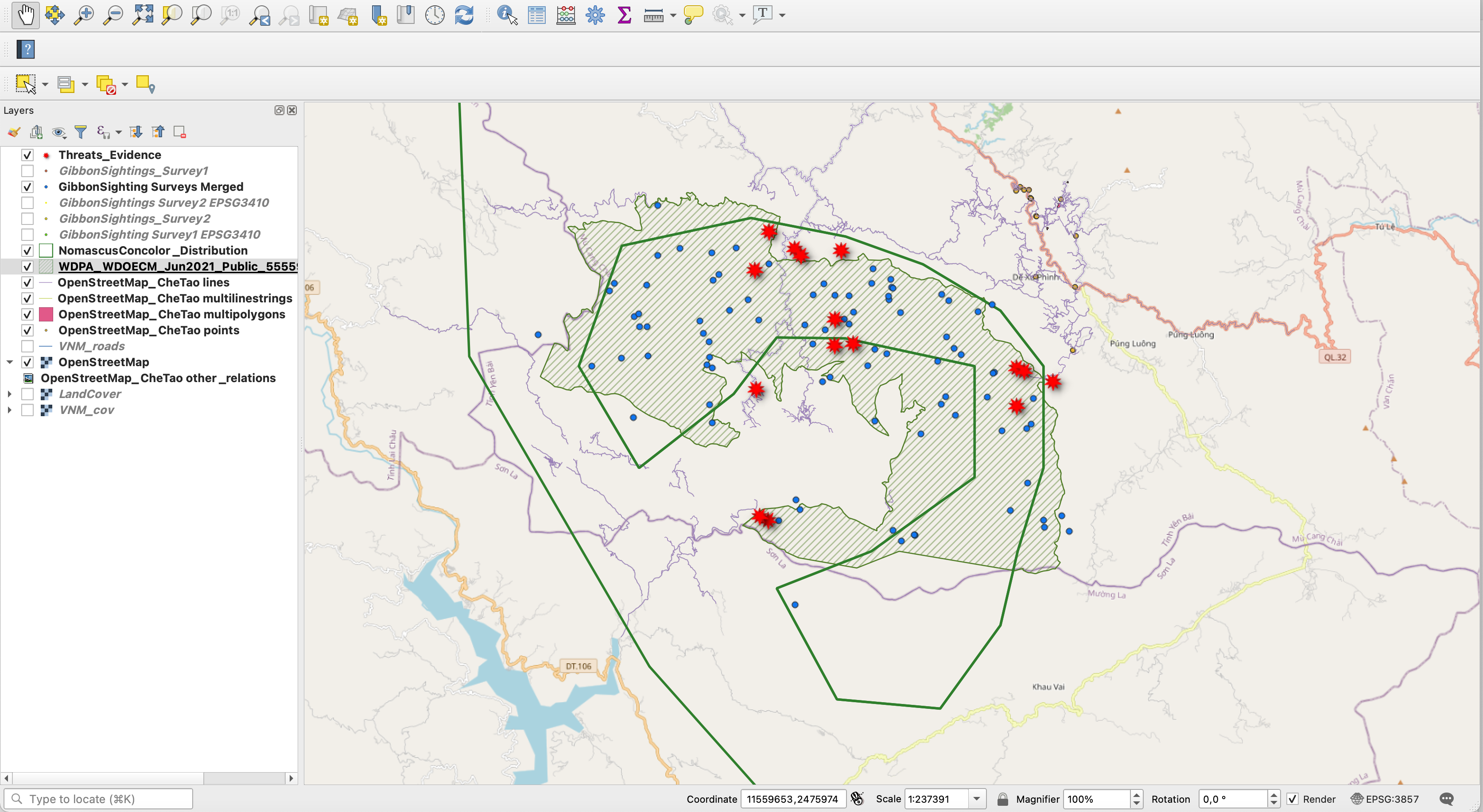
Hello,
Here is the Module 3 assignment. This week’s assignment has a lot of good “starter” information, but it is going to take more time to really sort through what all of the options are for SRS and what they mean to a particular project and location. I’d be grateful for if anyone has a good source for more detailed information.
YES! - This is the error you get if you just type to the new file name into the line instead of clicking on the little dots and opening the next window to save the file name and location.
1 Like
I love the way you were able to incorporate the topography with your “hill shade”. Not quite that far along myself.