I like what you’ve done there @Megan, very clean and clear way of representing the survey area and sightings. I think I’ll try use a similar way of representing the survey area as a border with no fill, thanks!
Love your work it is clear visible
Great map projection but your map colour is dark
Good work and clear visible
Great to see your actual survey and sighting data visualised @foggygoggle. And good point re map legend, I’d like to understand how to do that too.
1 Like
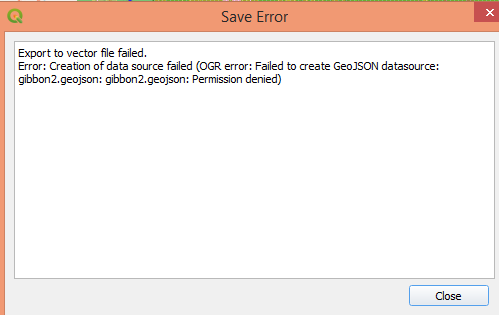
Has anyone seen this error message when trying to convert the Gibbons 2 survey to a geojson
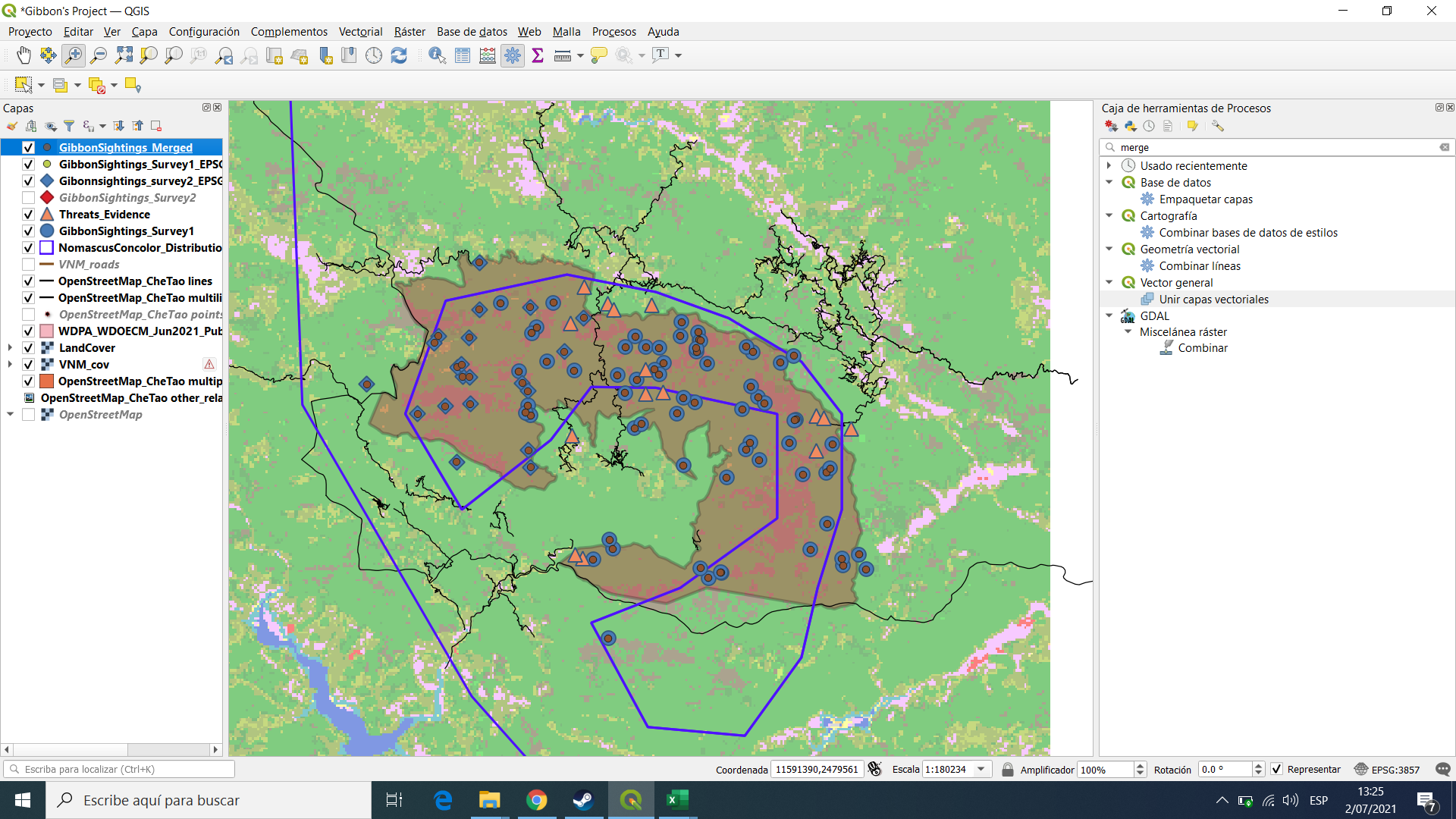
This module was a bit complicated for me, especially because of the new vocabulary that was included such as SRS and CRS, but it allowed me to differentiate between coordinate systems and also know how to upload coordinates that I obtain in the field.
your map looks great, i have some problems with the definitions, did you have any problem whit it?
2 Likes
Hi everyone. It was interesting to learn GIS for the future of my work.
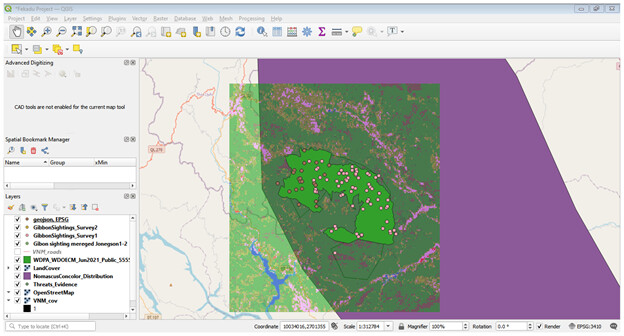
well done Marion. It looks very nice. You are very interested and clever during this course. keep it up. Thanks
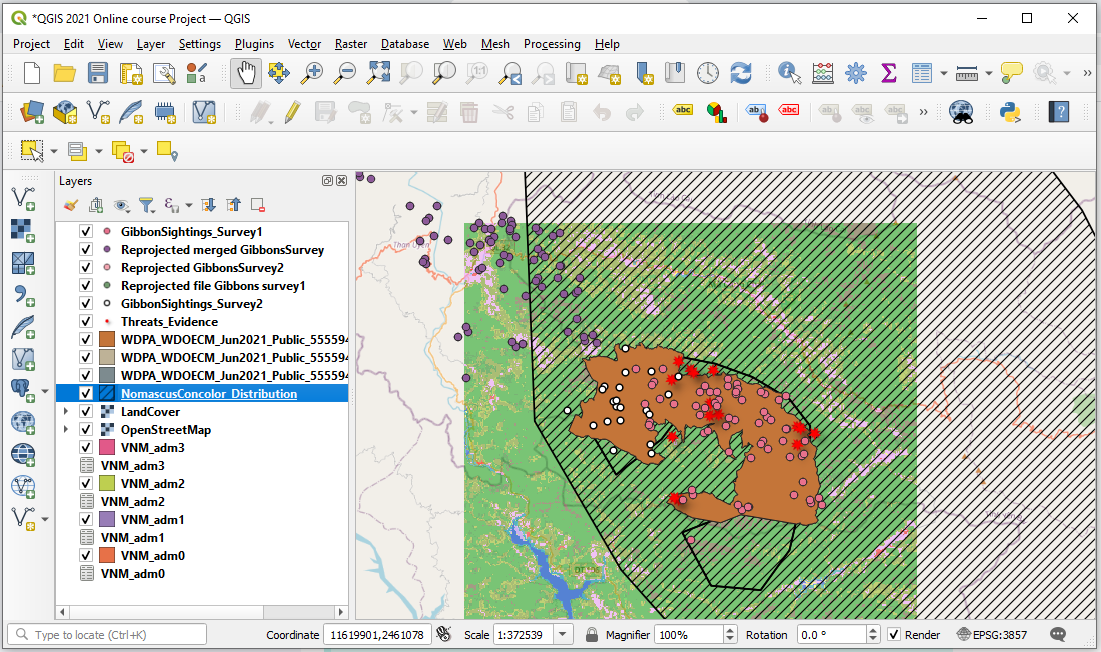
This module has been a little difficult for me, but I managed to pull through. As I am learning to use the system. I assume it will be much simpler or me to use CRS for my maps. I am happy I am learning a lot more than I anticipated. I will need to do advance lessons going forth. I am loving this lessons everyday more and more.
Thank you.
1 Like
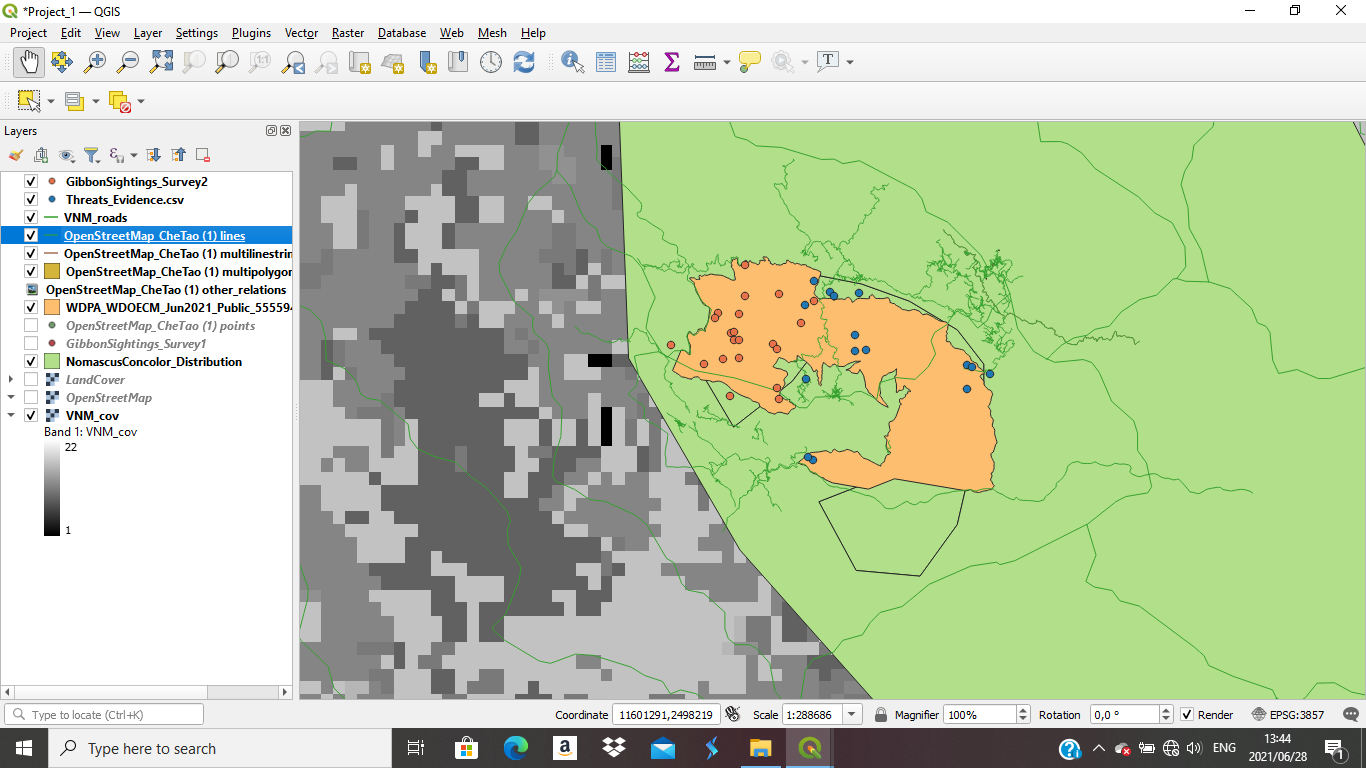
This module wasn’t hard to do. If you followed the instructions correctly. Everything worked out fine for me, it wasn’t challenging to do
1 Like
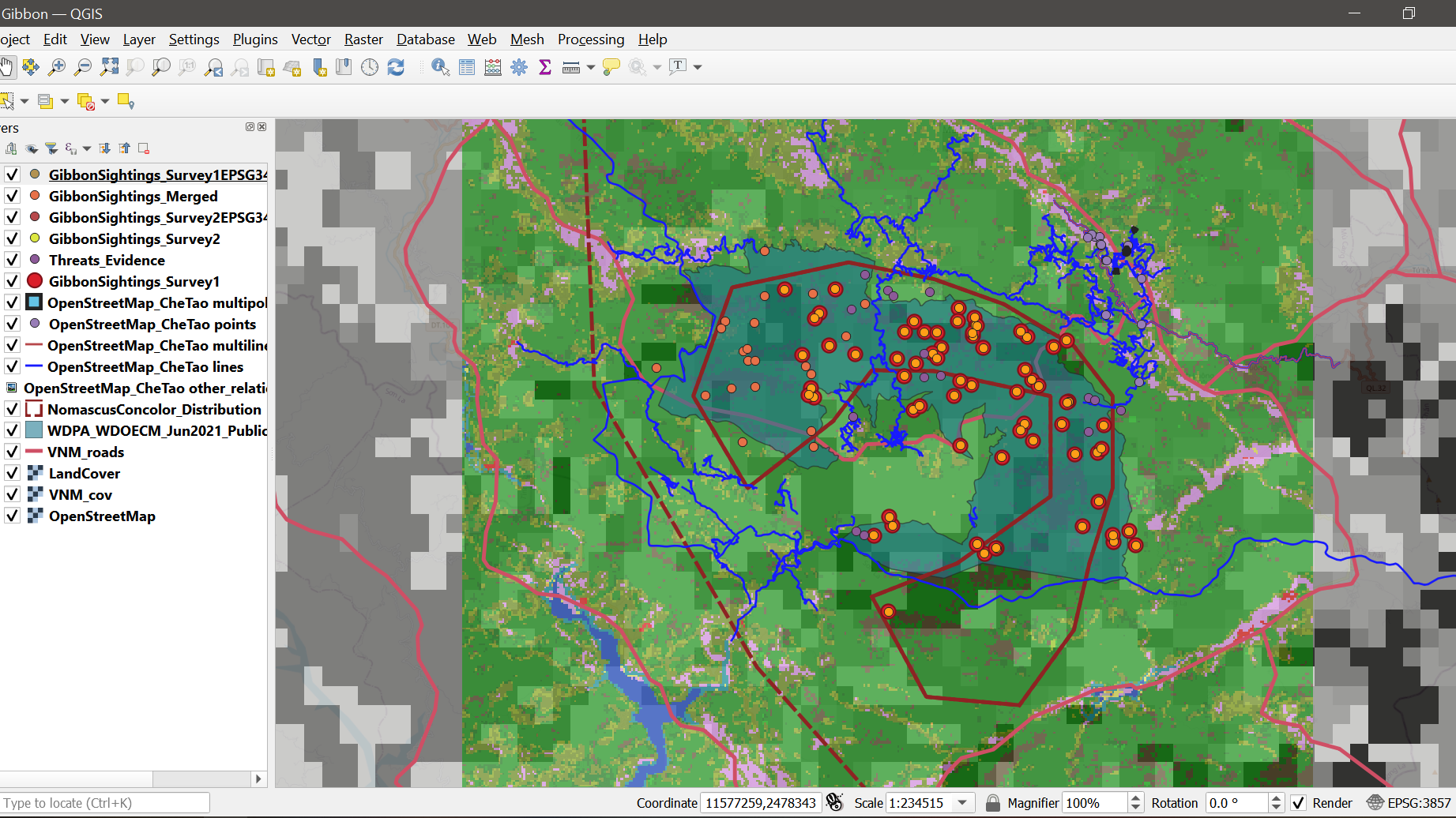
I felt that this module helped me understand the importance of standardizing all of your field data SRS’s so that it will make data analysis easier and accurate. I am still not entirely familiar with all of the other referencing systems and their benefits. But I did not have many problems as the directions were concise and helpful.
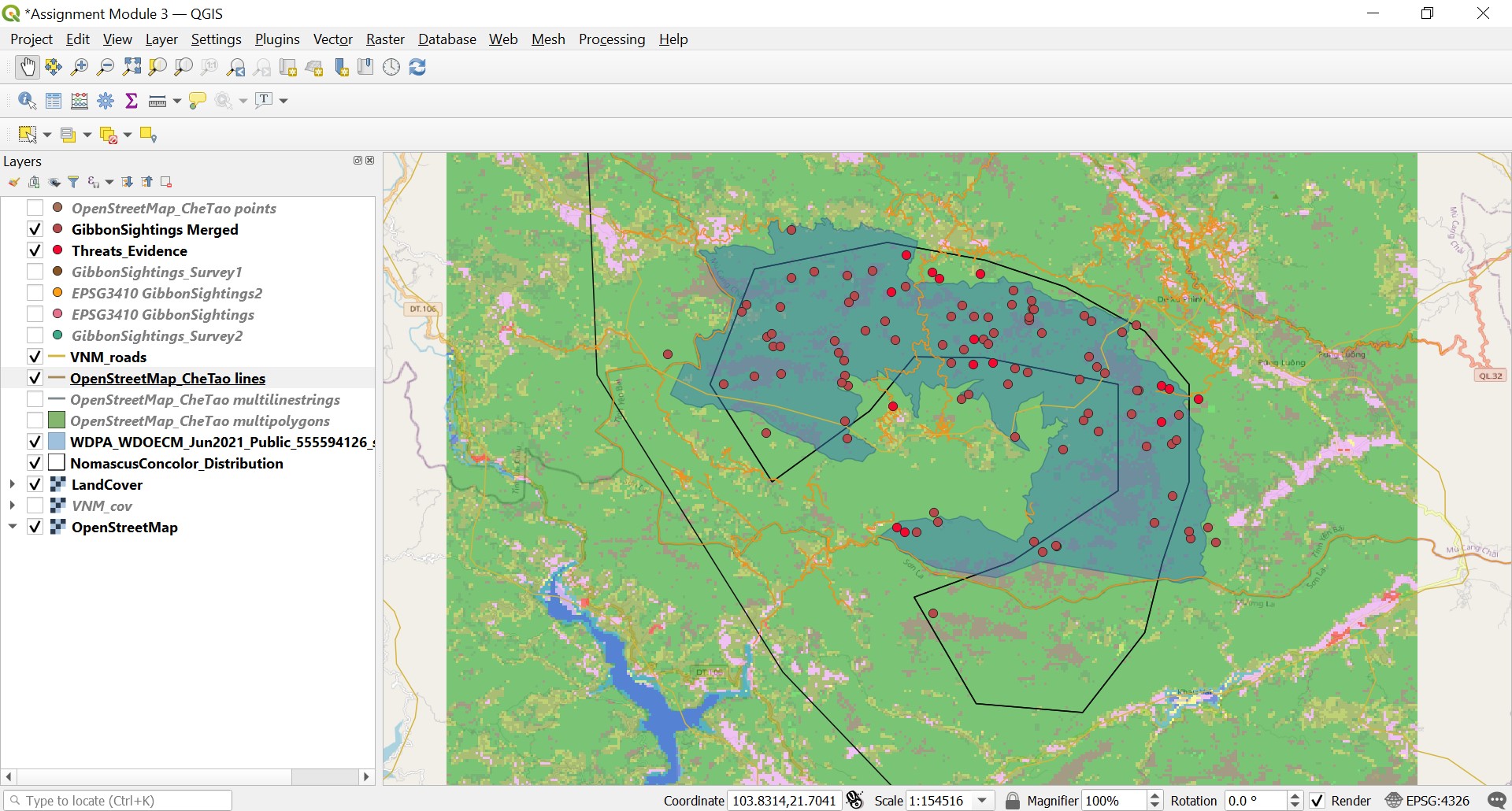
I thought that this module was extremely helpful because it went through how to merge vector layers/data sets together which can be extremely useful. The explanations of how different projections was also very insightful as the distortions caused by different projections can alter or misrepresent the data. Overall, this module introduced another facet of GIS that has helped further my understanding of the program.
Your map looks in order! The only thing I might change is the color of some of the layers so that it might make it easier to visualize the different gibbon sightings.
Great job!
Hello Lorraine, I think that your map looks great. I really like how you differentiated between the LandCover layer and the VNM_cov layer. I think that changing the color for the gibbon sightings so that they contrast the background of the Che Tao Nature Reserve boundary polygon may help the different layers stand out better. I also have difficulties in organizing and coloring the layers within GIS so that the project created is easily readable. I will definitely be using a similar technique to differentiate between similar cover layers like you did in future projects. Great work!!
1 Like
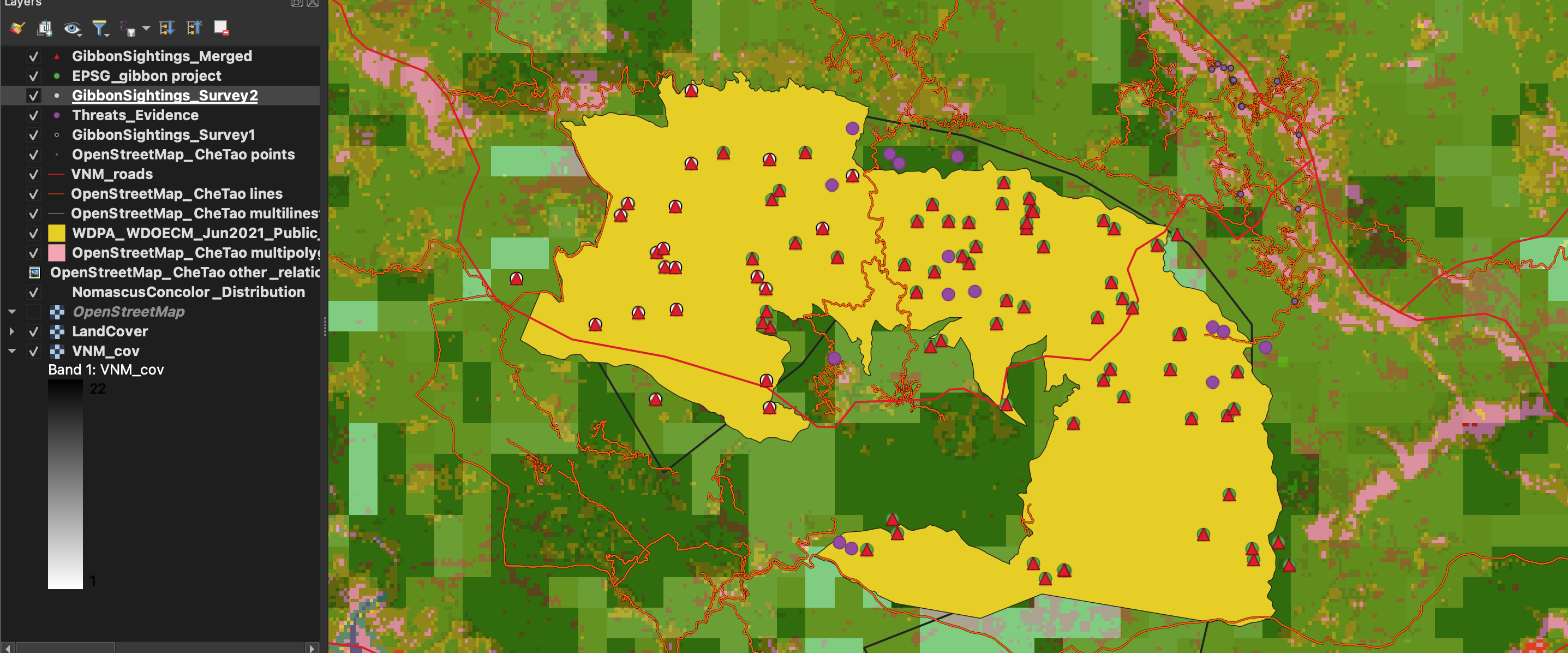
I enjoyed this assignment. Merging the layers I believe can be really helpful for future research when needing to merge data. I’m glad I changed the symbols around to notice that some points were covering other points.
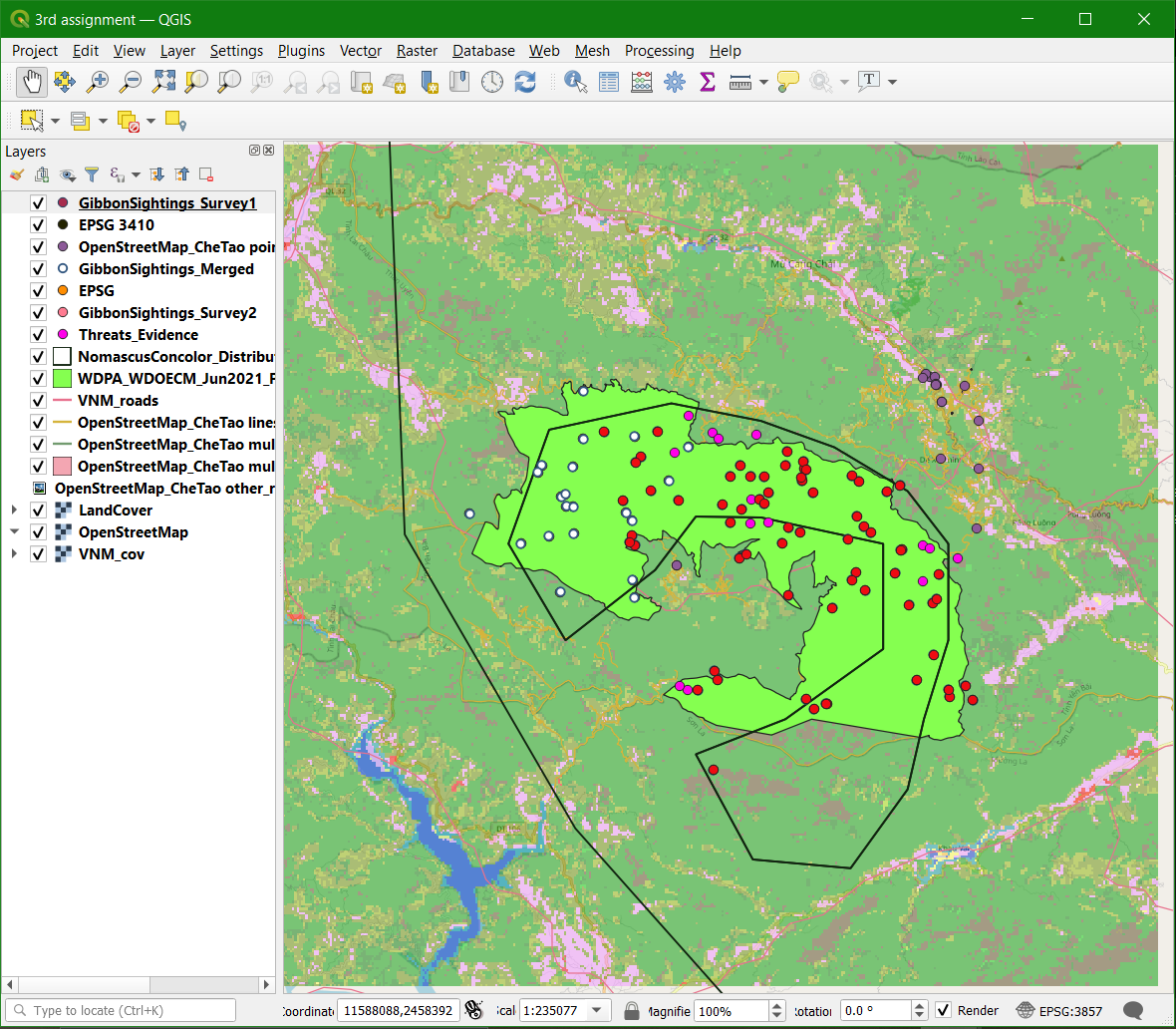
I am so glad to join this course and learn on how coordinate works in QGIS. This module is so eye opening. Hope I know how to apply on my work one day.
1 Like
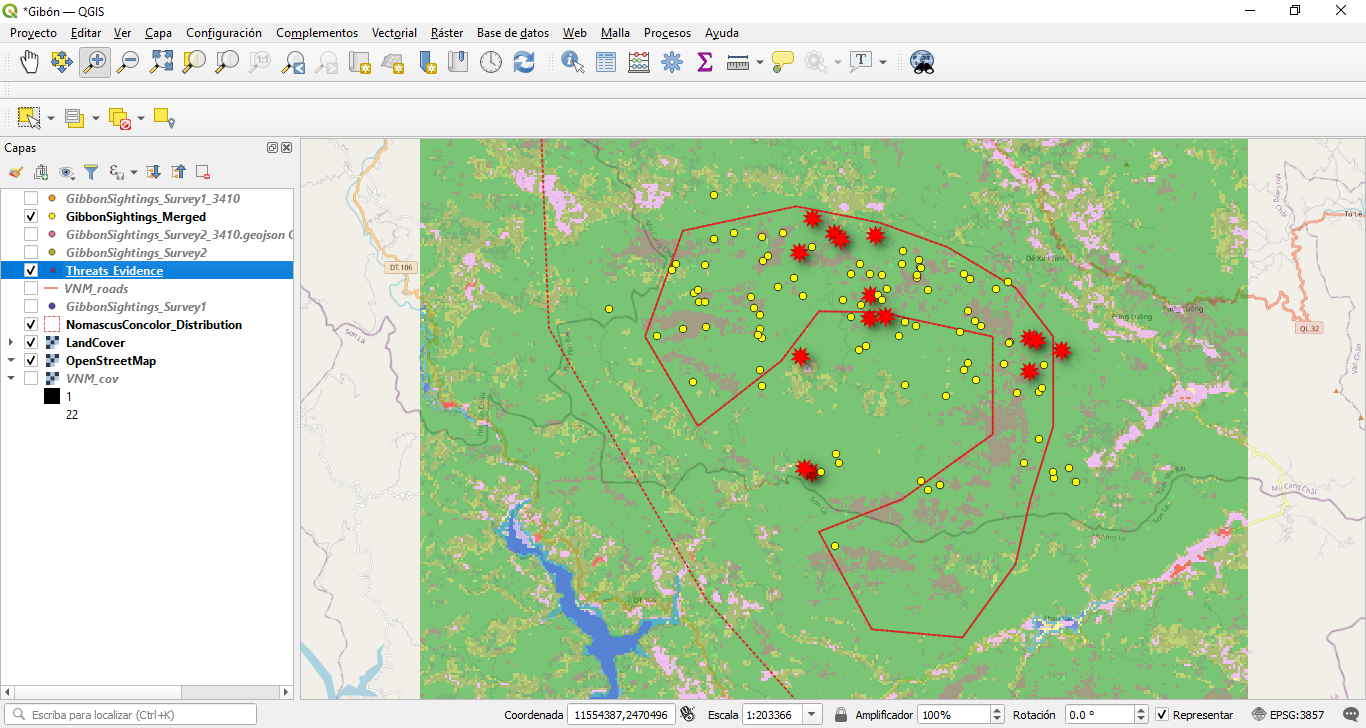
Knowing how to change the georeferencing system has been quite useful for me as many of the layers I use need to be reprojected. I have a little trouble adapting to the numeric codes for each system, but I think I can make a list to make them easier to identify and search.
You are right. This module gave us many more concepts and some are a bit difficult to understand, but in the end it is giving us great tools to be able to use QGIS.
1 Like